RTSP Camera Server1.10
Publisher Description
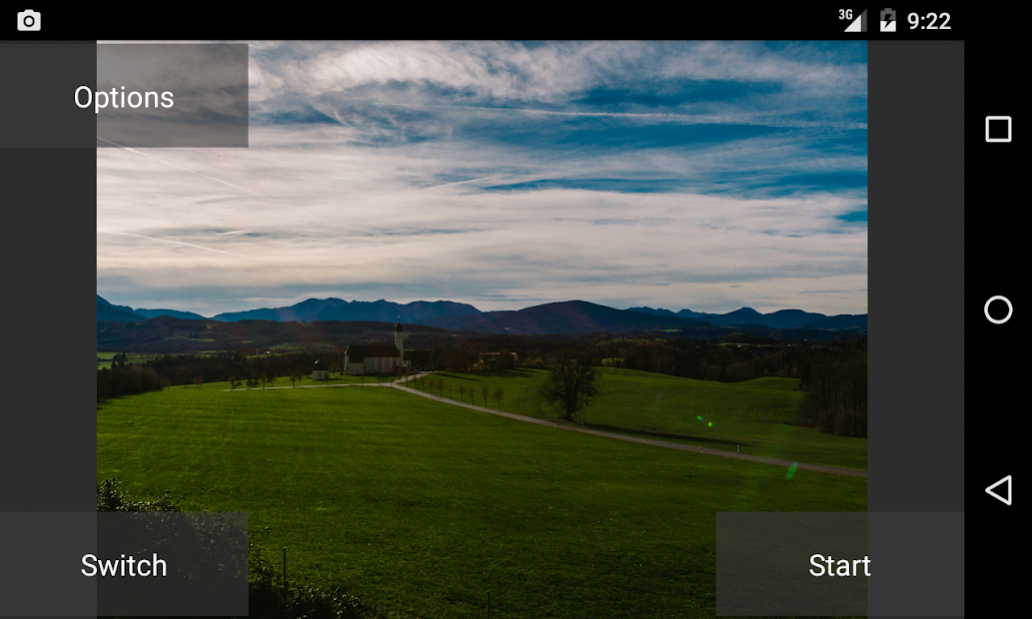
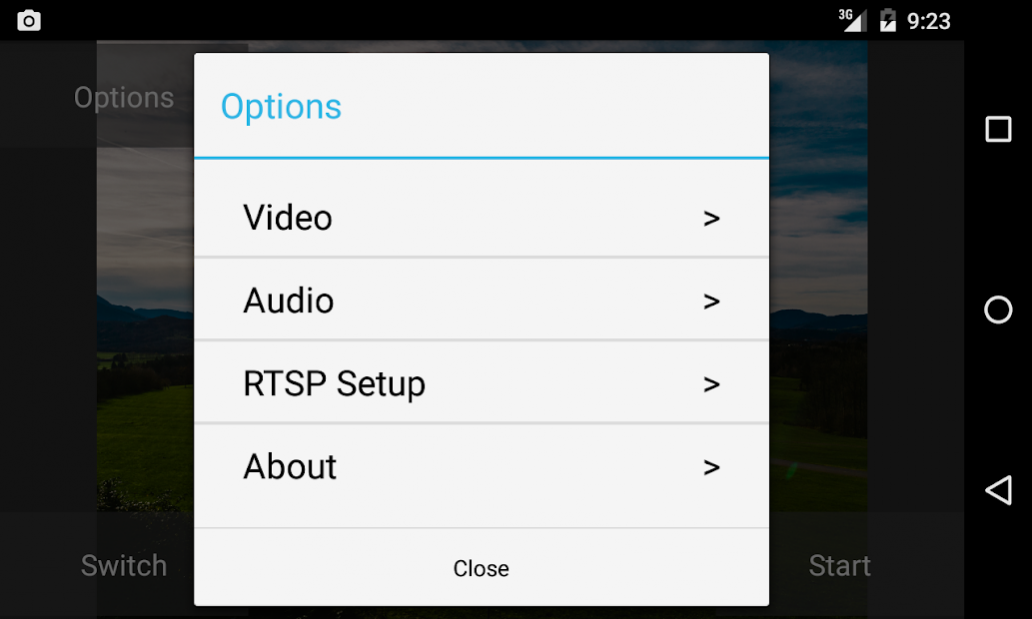
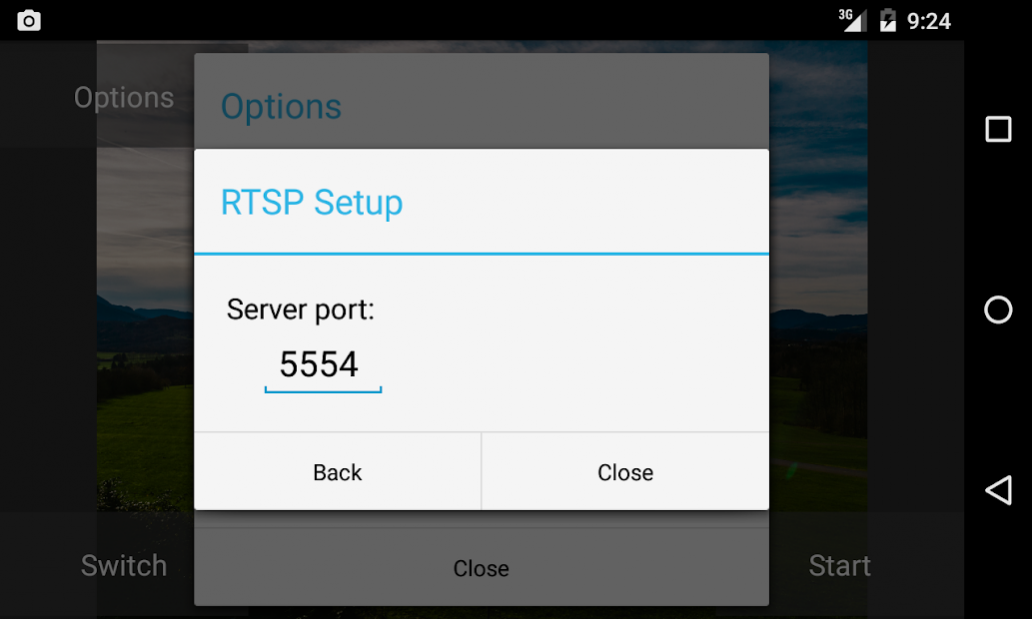
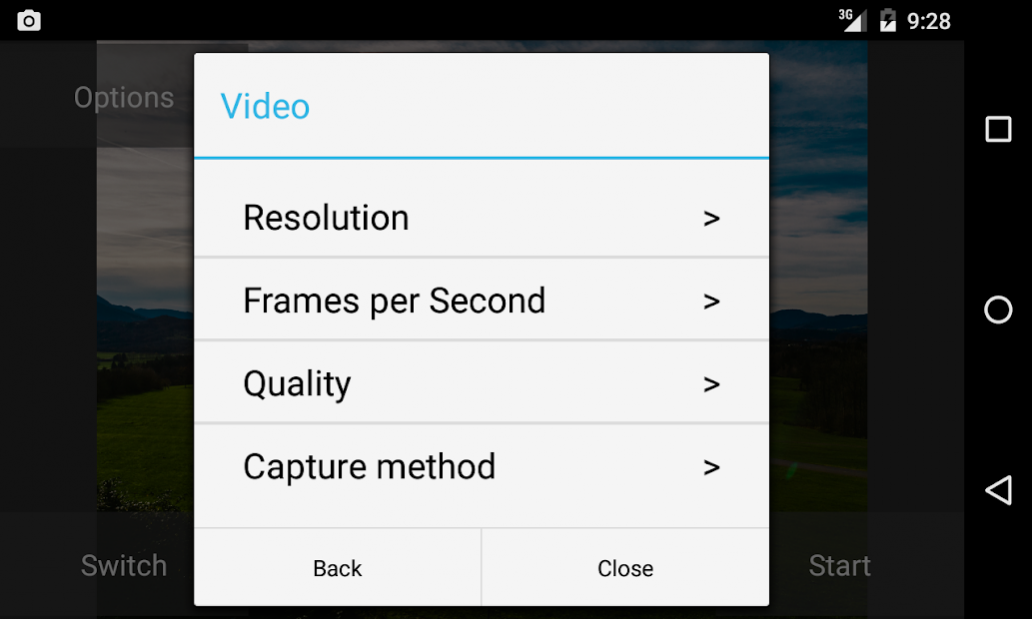
RTSP Server which is able to serve live or recorded camera view to RTSP clients.
-Loop video recording
-Quick capture method
-Work in background as a service
-Support the different camera resolutions and fps
-You can choose between the back facing camera and the front facing camera
-Encoders H264 and ACC
View video on your computer.
Install VLC http://www.videolan.org
Menu->Media->Open Network Stream... enter http://(device ip address):8080/playlist.m3u
Open the playlist (hotkey Ctrl + L).
Single command URL:
Active camera - rtsp://(device ip address):5554/camera
Back camera - rtsp://(device ip address):5554/back
Front camera - rtsp://(device ip address):5554/front
Camera URL Parameters:
res Resolution - width(number)xheight(number)
fps Frame per second - fps(number)
mic Enable/Disable microphone - on(string) or off(string)
Example: rtsp://(device ip address):5554/back?res=640x480&fps=10&mic=on
All records - rtsp://(device ip address):5554/record
One hour of record from specified time - rtsp://(device ip address):5554/recordYYMMDD_hhmm
Specified duration of record from specified time - tsp://(device ip address):5554/recordYYMMDD_hhmm-hhmm
Last record, duration in hours and minutes - rtsp://(device ip address):5554/record-hhmm
About RTSP Camera Server
The company that develops RTSP Camera Server is MIV Dev. The latest version released by its developer is 1.10. This app was rated by 16 users of our site and has an average rating of 2.0.
To install RTSP Camera Server on your Android device, just click the green Continue To App button above to start the installation process. The app is listed on our website since 2018-02-28 and was downloaded 648 times. We have already checked if the download link is safe, however for your own protection we recommend that you scan the downloaded app with your antivirus. Your antivirus may detect the RTSP Camera Server as malware as malware if the download link to com.miv.rtspcamera is broken.
How to install RTSP Camera Server on your Android device:
- Click on the Continue To App button on our website. This will redirect you to Google Play.
- Once the RTSP Camera Server is shown in the Google Play listing of your Android device, you can start its download and installation. Tap on the Install button located below the search bar and to the right of the app icon.
- A pop-up window with the permissions required by RTSP Camera Server will be shown. Click on Accept to continue the process.
- RTSP Camera Server will be downloaded onto your device, displaying a progress. Once the download completes, the installation will start and you'll get a notification after the installation is finished.
Program Details
System requirements
Download information
Pricing
Version History
version 1.10
posted on 2018-02-28
added support Digifort server
version 1.8
posted on 2017-01-05
added:,IP address and battery info in overlay
version 1.7
posted on 2016-09-11
added:,camera rtsp URL parameters,fix:,auto start app
